Bosch Rexroth ECODRIVE DKC01.1 and DKC11.1 Diagnostic Messages Explained
5 June, 2026 | Bosch Rexroth ECODRIVE DKC01.1 diagnostic messages, Bosch Rexroth ECODRIVE DKC11.1 diagnostic messages, DKC01.1 fault codes, DKC11.1 fault codes, Bosch Rexroth DKC error codes, Indramat DKC diagnostic codes, ECODRIVE diagnostic messages, DKC controller H1 display codes, Bosch Rexroth A codes, Bosch Rexroth C codes, Bosch Rexroth E codes, Bosch Rexroth F codes, Indramat DKC repair, Bosch Rexroth DKC repair, ECODRIVE DKC repair, DKC01.1 repair, DKC11.1 repair, Indramat USA DKC replacement,
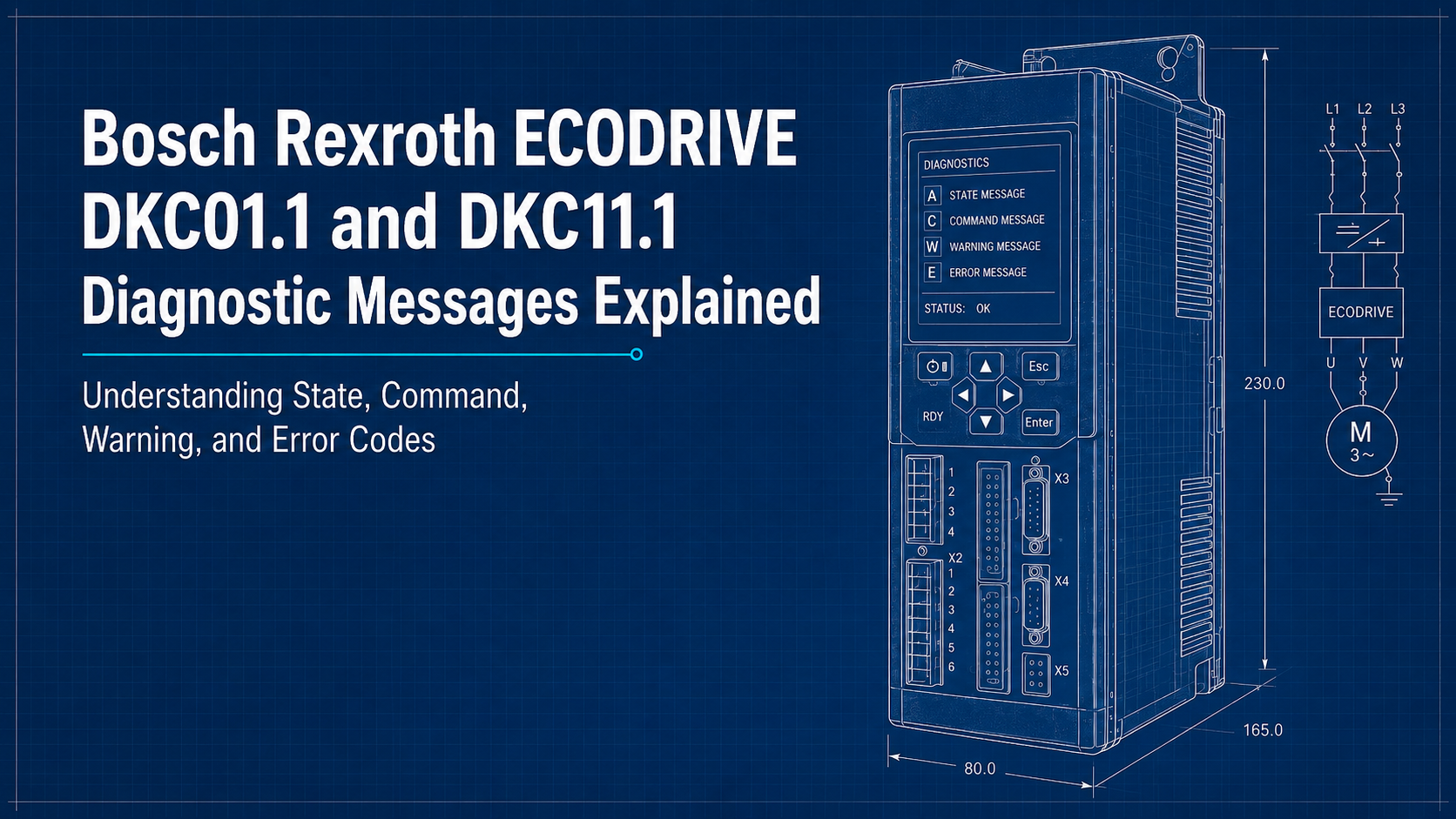
Bosch Rexroth ECODRIVE DKC01.1 and DKC11.1 controllers include an onboard diagnostic system that communicates drive status through coded messages. These messages appear on the front H1 display whenever the controller changes state, enters a command sequence, detects a warning condition, or registers a fault. For maintenance teams, the diagnostic code is often the fastest starting point for understanding whether the controller is showing a normal operating mode, processing an internal command, warning of a developing issue, or stopping because of a serious fault.
These diagnostic categories apply across the DKC01.1 and DKC11.1 families, including models such as DKC01.1-030-3-FW and DKC11.1-040-7-FW. While Indramat USA cannot walk users through technical troubleshooting, it can assist with repair or replacement options for DKC units encountering recurring faults, failed components, or errors that will not clear after proper inspection. Call 1-888-551-3082 or email sales@indramat-usa.com with your part number and fault details to request assistance.
Four Diagnostic Message Types Used in DKC Controllers
DKC controllers organize their diagnostic messages into four main categories. Each category uses a letter prefix that identifies the type of condition being shown on the H1 display. State messages use “A” codes, command messages use “C” codes, warning messages use “E” codes, and error messages use “F” codes.
The controller also prioritizes what appears on the display. A fault message takes priority over a warning, a warning takes priority over a command, and a command takes priority over a normal state message. This hierarchy helps ensure that the most urgent condition is shown first, even though it is useful to understand the categories from normal operation up to critical shutdown.
Each diagnostic message combines a letter-number code with a short description. The prefix tells the operator what kind of message is being shown, while the numeric portion narrows the condition to a specific state, command, warning, or fault.
State Diagnostic Messages: Axxx
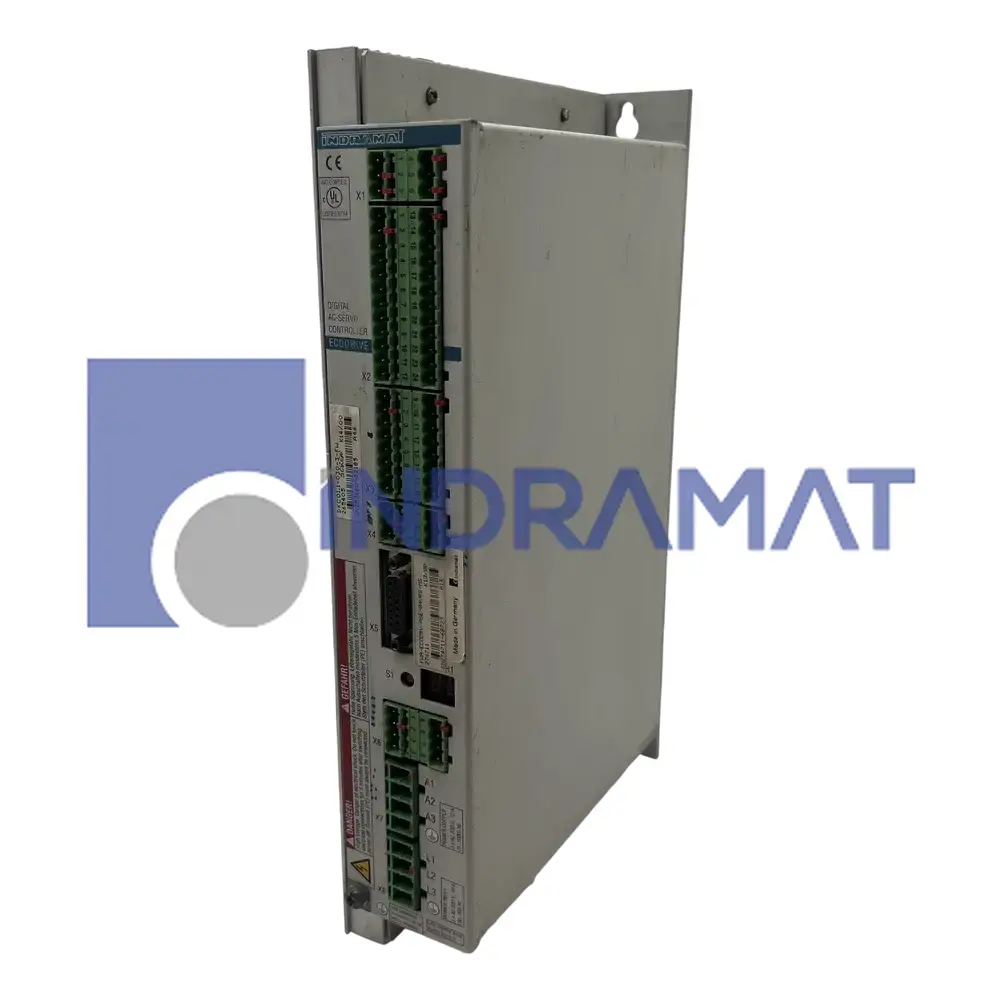
State messages beginning with “A” indicate the current operating state of the drive. These messages normally do not represent a fault. Instead, they confirm what mode or state the controller is currently using.
A-code messages can help operators verify whether the controller is ready, running in torque mode, operating in velocity mode, or using another active control state. This is useful during commissioning, machine startup, and fault recovery because it confirms whether the drive is in the expected operating condition.
For example, A100 identifies torque-control mode, while A101 identifies velocity-control mode. These messages are informational. They do not indicate that the drive has failed, but they can help technicians confirm what the controller is doing at that moment.
Command Diagnostic Messages: Cxxx
Command messages beginning with “C” appear when the controller is executing an internal command, performing a transition, or validating part of the drive setup. These are not the same as fault alarms. Instead, they show that the drive is processing a specific command or checking whether required conditions have been met.
C-code messages are commonly seen during startup, commissioning, parameter changes, phase transitions, or control-mode preparation. They can be useful during setup because they show where the drive is in the initialization or validation process.
One example is C100, Communication Phase 3 Transition Check. This message appears when the controller is moving from parameter mode toward operational mode. During this transition, the drive checks whether the required configuration data is valid. If something is missing or incorrect, the transition may stop and another C-code may appear to identify the specific issue.
Warning Diagnostic Messages: Exxx
Warning messages beginning with “E” indicate an abnormal condition that has not yet reached the level of a full drive shutdown. The controller may continue operating temporarily, but the warning should not be ignored. These messages often give operators a chance to correct a developing problem before it becomes an F-code fault.
Warnings can point to temperature rise, limit violations, parameter conflicts, or other conditions that are outside the preferred operating range. If the warning is allowed to continue without correction, the drive may eventually shut down to protect itself and the connected equipment.
One example is E250, Heatsink Overtemperature Warning. This warning indicates that the drive heatsink has reached its maximum allowable temperature. The controller may continue running briefly to allow an orderly stop, but if the temperature condition remains unresolved, the drive can proceed to a protective shutdown. This type of warning often points to cabinet cooling issues, blocked airflow, excessive ambient temperature, or a drive operating under heavy load.
Error Diagnostic Messages: Fxxx
Error messages beginning with “F” identify serious fault conditions. When an F-code occurs, the drive typically stops operation as a protective response. This prevents further damage to the controller, motor, feedback device, or connected machine components. Operation should not resume until the cause of the fault has been identified, corrected, and the error has been properly cleared.
F-code diagnostics can relate to conditions such as overheating, power supply faults, excessive following error, encoder problems, overcurrent events, and other failures that require immediate attention. Because these errors can force the drive into a shutdown or torque-free state, they should be treated as high-priority service events.
One example is F219, Motor Overtemperature Shutdown. This message appears when the motor temperature exceeds the allowable limit. Once the threshold is crossed, the drive stops the motor to prevent thermal damage. In this case, the cause may involve excessive load, poor cooling, motor failure, wiring problems, or incorrect operating conditions.
Diagnostic Message Type Comparison
Diagnostic Type | Code Prefix | Purpose | Effect on Drive Operation | Typical Meaning |
State Diagnostic Message | Axxx | Displays the current operating state or mode | Normal operation continues | Confirms active drive states such as torque mode, velocity mode, position mode, or ready status |
Command Diagnostic Message | Cxxx | Shows that an internal command, check, or transition is being performed | Normal operation may be paused or temporarily overridden | Appears during parameter validation, communication phase transitions, homing, or setup procedures |
Warning Diagnostic Message | Exxx | Signals an abnormal or approaching-limit condition | Drive may continue operating temporarily | Alerts the operator before a condition escalates into a shutdown, such as rising temperature, a limit issue, or a parameter-related concern |
Error Diagnostic Message | Fxxx | Identifies a critical fault requiring immediate correction | Drive shuts down or enters a protective torque-free condition | Protects the motor, drive, feedback system, or power section from damage caused by faults such as overheating, encoder failure, overcurrent, or power problems |
Why Correct Interpretation Matters
Reading the diagnostic prefix correctly helps separate normal drive states from commands, warnings, and shutdown faults. An A-code may only confirm the current operating mode, while an F-code usually means the controller has stopped to protect the system. This distinction helps maintenance teams respond faster and avoid replacing components unnecessarily.
Bosch Rexroth ECODRIVE DKC01.1 and DKC11.1 controllers use A, C, E, and F diagnostic messages to communicate operating states, internal commands, warnings, and faults. Understanding the difference between these message types helps maintenance teams recognize whether a display code points to a normal condition, an active command, a warning, or a shutdown fault.
Indramat USA cannot provide technical support for diagnosing, programming, wiring, or troubleshooting DKC controllers in the field. However, if your DKC controller is displaying persistent faults, will not reset, has failed completely, or needs to be replaced, Indramat USA can help with repair, replacement, and refurbishment options. Call 1-888-551-3082 for urgent DKC repair and replacement assistance, or email sales@indramat-usa.com with your DKC part number, fault code, and contact information to get the quote process started.







