Troubleshooting Common Fault Codes for Bosch Rexroth 2AD Motors
23 January, 2026
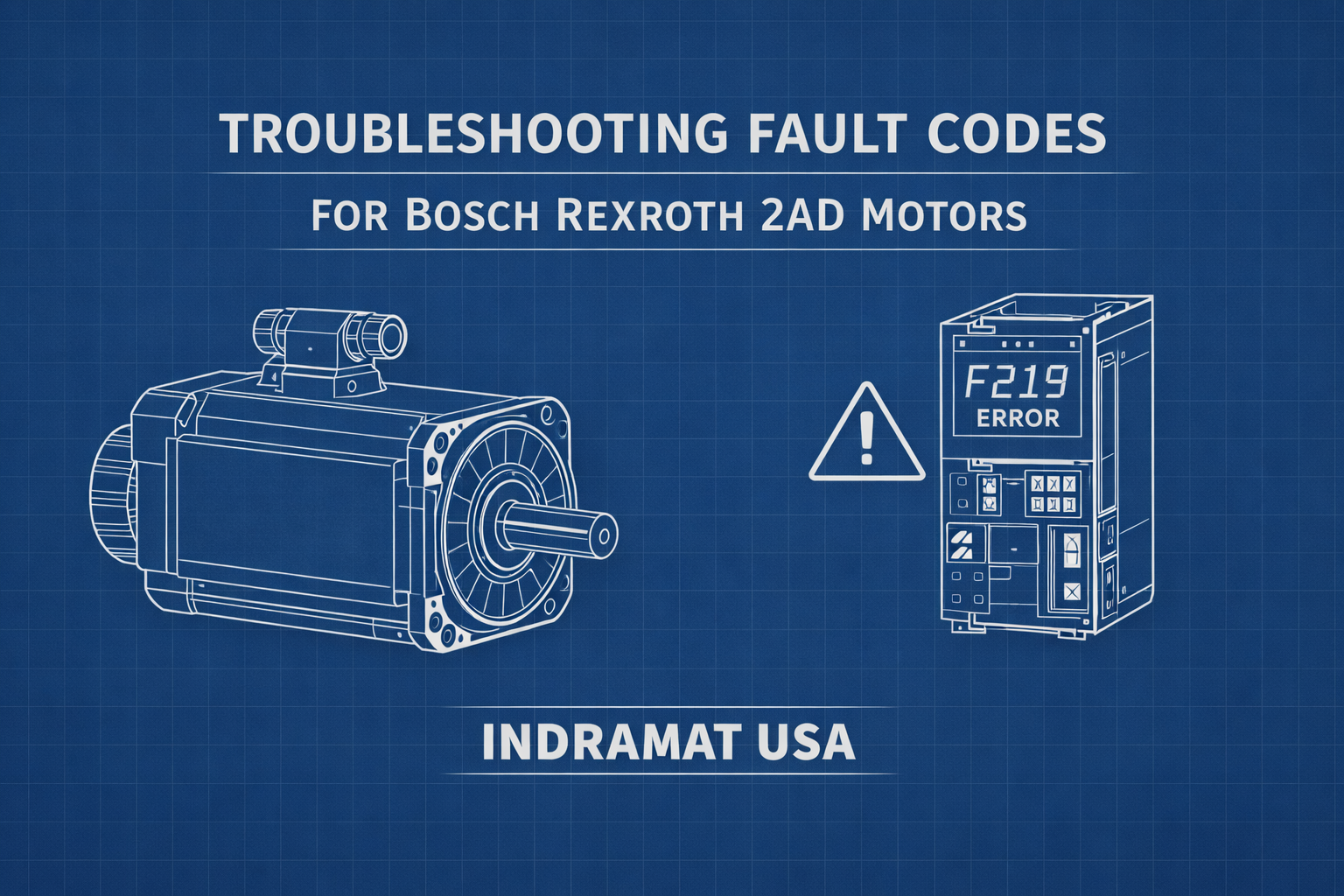
Indramat USA presents this guide to help engineers and maintenance teams interpret fault codes associated with Bosch Rexroth 2AD motors. Please note that while this information is sourced from the original manufacturer’s documentation, Indramat USA does not offer real-time troubleshooting support via phone or email. If you require repair, refurbishment, or replacement services, we encourage you to submit a quote request or reach out to us directly at 1-919-443-0207. All troubleshooting actions should be carried out with care, and Indramat USA cannot be held responsible for any damages resulting from the use of this information.
Overview of Bosch Rexroth 2AD Motors
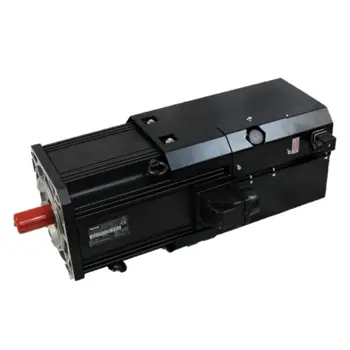
The Bosch Rexroth Indramat 2AD 3-Phase Induction Motors series includes three-phase induction motors specifically built for tough automation tasks. These motors are commonly found in CNC systems and industrial machinery where reliability and strength are critical. As part of the legacy Indramat lineup, 2AD motors are often paired with controllers such as the DKC EcoDrive. When an issue arises, the drive detects it and displays fault codes that help identify the problem.
Understanding these error messages is essential to maintaining uptime and reducing disruptions. This article focuses on commonly encountered fault codes, what they signify, and how to resolve them. For immediate help with your 2AD Motor call 1-919-443-0207 or email sales@indramat-usa.com
What Fault Codes Mean
2AD motors, including models like the 2AD134D-B35OA1-DS06-A2N1, operate alongside smart drive units that continually monitor their performance. If something malfunctions, the drive will display a code — such as F219 or E251 — on the interface or within the control software. Typically, “F” codes are serious faults that halt operation, while “E” codes are warnings that signal abnormal conditions without immediately stopping the system.
For the purpose of this article, we’re focusing on “F” fault codes, which indicate that the motor or drive has entered a protective shutdown. These errors must be addressed before operation can resume.
General Troubleshooting Advice
When facing a fault, it’s best to follow a step-by-step approach. Below are foundational troubleshooting principles when working with 2AD motor systems:
- Start with simple checks – Loose connections, blocked airflow, or excessive load are often to blame.
- Use diagnostics tools – Integrated drive software or service tools can help isolate the fault.
- Pay attention to early warning signs – These can offer clues before a full shutdown occurs.
- Ensure safety before intervening – Power down equipment before making adjustments.
- Perform a controlled reset – Once the issue is resolved, clear the fault via the drive interface.
Common 2AD Fault Codes and How to Resolve Them
The following chart lists frequent fault codes seen in 2AD motor systems, their causes, and suggested troubleshooting steps:
Fault Code | Description | Typical Causes | Troubleshooting Steps |
F218 | Drive Overtemperature | Inadequate cooling, clogged vents, fan failure | Ensure fans are operational, vents are clean, and ambient cabinet temperature is below 45°C. Persistent faults may indicate internal sensor or fan issues. |
F219 | Motor Overtemperature | Excessive load, cooling failure, sensor wiring issue | Reduce load, clean motor fins, confirm fan operation, and inspect temperature sensor wiring. Reset after cooling. |
F220 | Regeneration Overload | Excessive deceleration energy, insufficient braking resistor | Reduce deceleration rates or upgrade the braking resistor. Check motion sequences for excessive regen. |
F226 | Undervoltage on DC Bus | Power dip, mains interruption, poor DC link connections | Check for stable power supply, inspect mains voltage, and verify DC link integrity in multi-axis systems. |
F228 | Excessive Deviation | Aggressive motion profile, mechanical obstruction, tuning error | Reduce feed rates, inspect for mechanical jams, and re-tune control parameters. |
F229 | Encoder Failure | Bad encoder cable, EMI noise, encoder or drive fault | Inspect and replace damaged encoder cables, ensure shielding, and evaluate encoder/drive feedback circuit. |
F248 | Low Battery Voltage | Encoder backup battery is low or incorrectly installed | Replace with the correct encoder battery and confirm connection. Reset fault post-installation. |
F860 | Overcurrent Fault | Motor short, misconfigured parameters, drive hardware failure | Check cabling and windings for shorts, verify drive settings, and if unresolved, the drive may need repair. |
F234 / F434 | Emergency Stop Activated | E-stop button pressed, safety circuit triggered | Reset E-stop, inspect safety relays and gates, ensure all circuits are secure before resetting the drive. |
F277 | Internal Hardware Fault | Failed self-test, firmware issue, corrupted calibration | Try a full power cycle. If the fault returns, professional repair is necessary. |
Note: This list includes many commonly seen errors, but for a complete fault code index, refer to the specific manual for your Bosch Rexroth drive model.
When Troubleshooting Isn’t Enough
In many cases, onsite troubleshooting can get your system back online—especially when faults stem from wiring, load, or cooling issues. However, persistent problems often indicate deeper hardware failures that require expert evaluation.
That’s where Indramat USA comes in.
Indramat USA provides professional repair and refurbishment services for Bosch Rexroth Indramat equipment, including 2AD motors and compatible drive controllers. Whether it’s motor overheating, encoder failure, battery issues, or short circuits, our team has the tools and knowledge to restore your system to operational status. We also stock refurbished units to help minimize costly downtime when repairs aren’t immediately feasible.
While we are not an authorized Bosch Rexroth distributor, our extensive experience with legacy motion control equipment makes us a trusted resource for industrial maintenance teams across the country.
If your 2AD motor system is down and internal repairs aren’t cutting it, get in touch with Indramat USA. Call us at 1-919-443-0207 or submit a quote request through the form below. We are ready to help you get your line back up with quick and reliable service.







